
Running out of content ideas? You already have everything you need.
You don’t need to create new content every day. You need to get smarter about reusing what you already have — and AI makes that effortless.
Most creators write a blog post, publish it, share it once on social media, and then move on. That’s leaving enormous value on the table. A single well-written post can fuel a week’s worth of content across every platform you use — without writing from scratch each time.
Here’s exactly how to do it using AI tools that anyone can learn in an afternoon.
What Is an AI Social Media Agent?
An AI agent is different from just asking an AI a question. When you use an AI as an agent, you give it a role, a set of rules, and a repeatable process — so it behaves consistently every time, not just when you happen to write a perfect prompt.
Think of it like hiring a social media assistant and giving them a full briefing on your brand, your audience, and exactly what you want them to do. Once that briefing is set, you just hand them a topic and they run with it.
The template below does exactly that.
What This Template Does
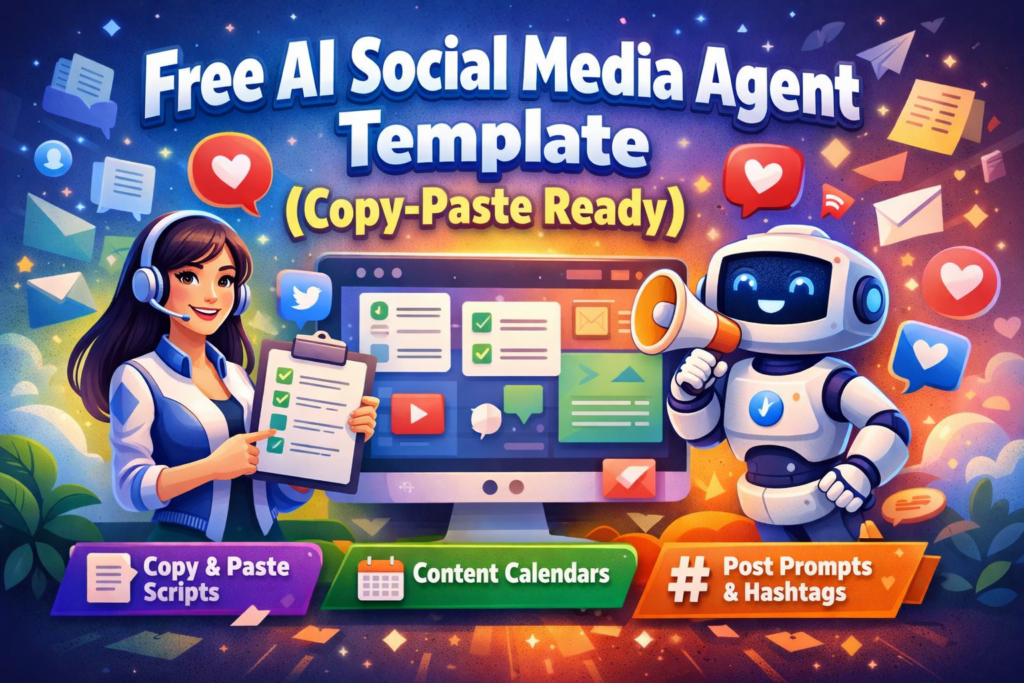
This AI Social Media Agent template handles the full content creation workflow for four major platforms: Twitter/X, LinkedIn, Instagram, and Facebook. For each piece of content, it:
- Matches the tone and format of the specific platform
- Writes in your brand voice (you fill in the details once)
- Suggests relevant hashtags
- Generates a short caption and a long-form post variation
- Flags the best time to post based on platform norms
You can use it for a single platform or all four at once. It works in Claude, ChatGPT, or any AI tool that accepts long system prompts.
The Free AI Social Media Agent Template
Copy everything below the line and paste it as your system prompt or first message in Claude or ChatGPT. Fill in the bracketed sections with your brand details — this only takes about 5 minutes.
Download the full template: The clean copy is attached to this post — save it, edit it, and reuse it any time.
How to Use It: Step by Step
Step 1: Fill In Your Brand Details
Open the template and replace every section in [BRACKETS] with your actual information. You’ll define your brand name, your tone (e.g., “friendly and direct”), your target audience, and any topics or keywords you want to focus on.
Do this once, save your completed version, and reuse it forever.
Step 2: Choose Your Platform
At the top of each session, tell the agent which platform you’re writing for. Or ask it to generate all four at once: “Create posts for all four platforms based on today’s topic.”
Step 3: Give It a Topic or Source
Paste in a blog post, a product update, a news article, or just a one-sentence idea. The agent handles the rest — formatting, hashtags, caption length, and tone.
Step 4: Review and Post
Read the output. Adjust anything that doesn’t feel right. The AI gives you a strong first draft — you make it yours. Most people get all four platform posts done in under 10 minutes.
Tools That Work Well With This Template
- Claude (claude.ai) — Excellent for maintaining brand voice consistently. Use the Projects feature to save your filled-in template so it loads automatically every session.
- ChatGPT (chat.openai.com) — Great for fast drafts. Use Custom Instructions to store your brand details permanently.
- Buffer or Hootsuite — Once your posts are drafted, queue them up for the week in one sitting.
- Canva AI — Pair your captions with on-brand graphics using Canva’s AI design tools.
Tips for Getting Better Results
Be specific about tone. Instead of “professional,” write: “Tone: confident but approachable, like a knowledgeable friend — not corporate.”
Give it examples. Paste in 2–3 of your best-performing posts and tell the agent to write in a similar style. This single step dramatically improves output quality.
Refresh it monthly. Add new examples, update your focus topics, and tweak the tone if your brand evolves. A 10-minute refresh keeps your agent sharp.
Don’t post raw AI output. Read everything before it goes live. AI drafts are starting points, not final copy.
Why This Works Better Than One-Off Prompts
Most people ask AI tools one question at a time: “Write me an Instagram post about X.” That works, but you get inconsistent results — different tones, formats, and quality each time.
A template-based agent solves that. You build the logic once, and every output follows the same rules. Your brand sounds like your brand, whether you’re posting on Monday or Friday.
It’s the difference between a random freelancer and a trained team member who already knows your style guide.
Your Next Step
Download the template below. Fill in your brand details. Then pick one topic you’ve been meaning to post about this week and run it through the agent.
You’ll have four platform-ready posts in under 10 minutes. That’s the kind of output that used to take an hour. Download
Explore more free AI agent templates in the Free AI Agents Templates category on ailearntools.com.