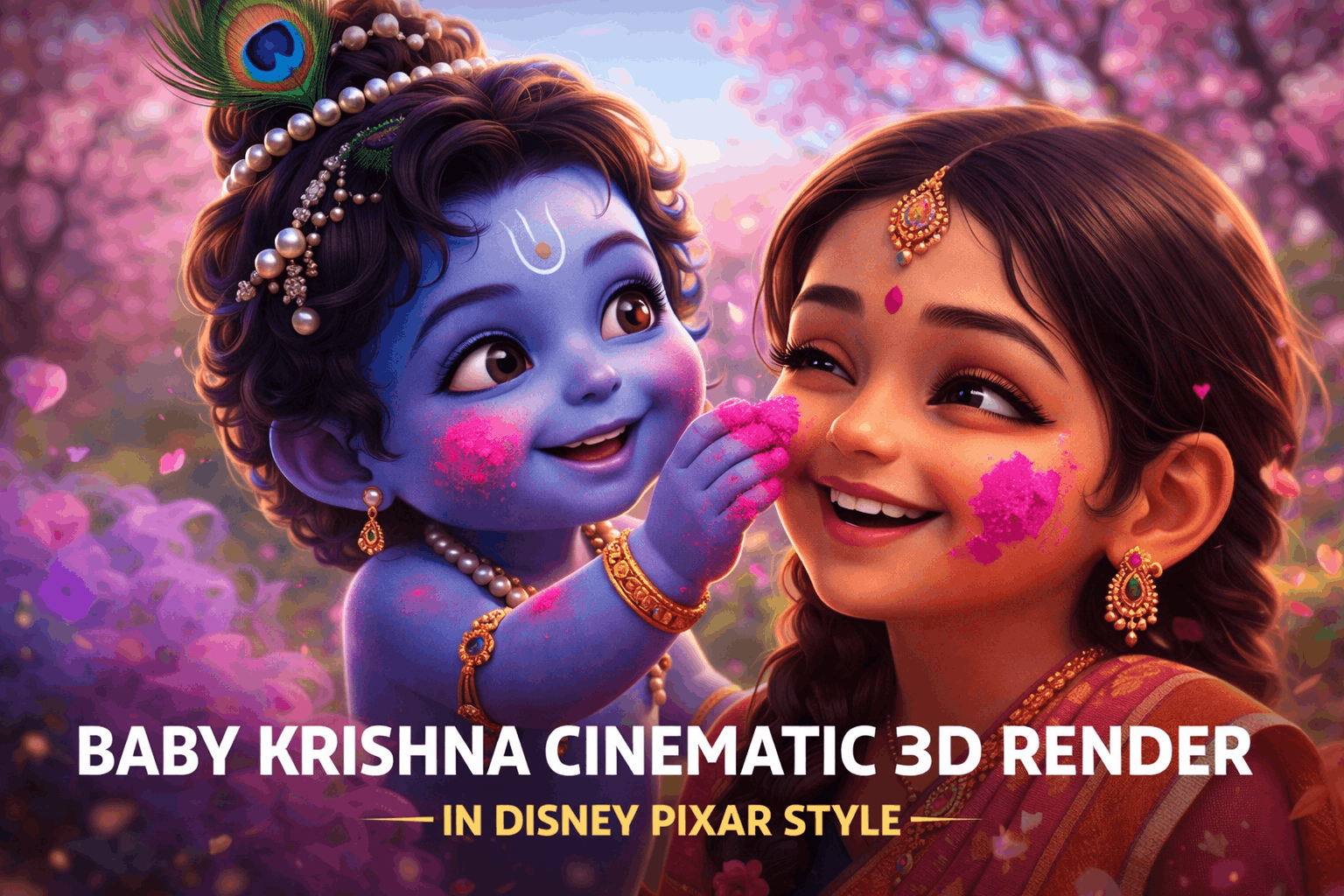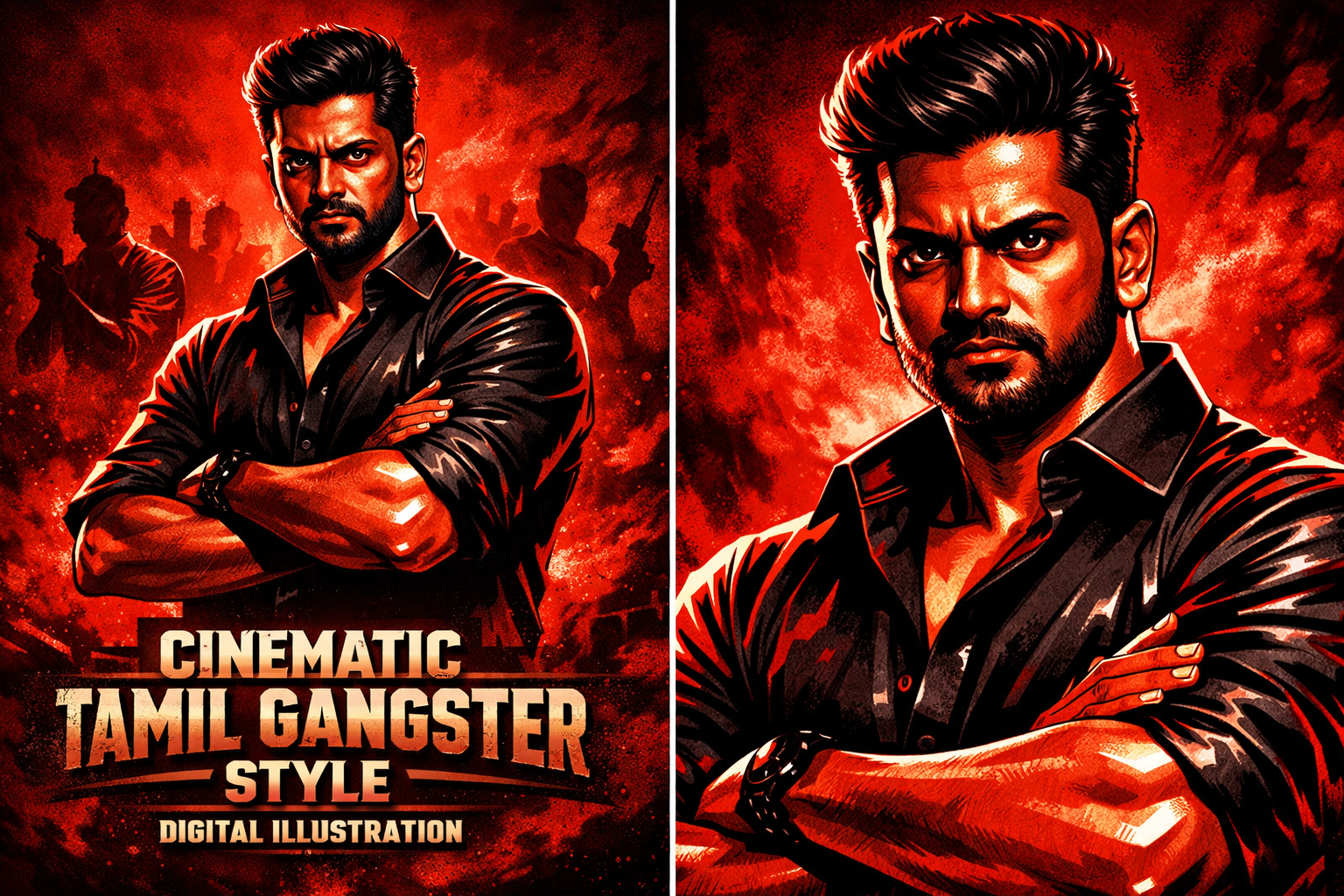
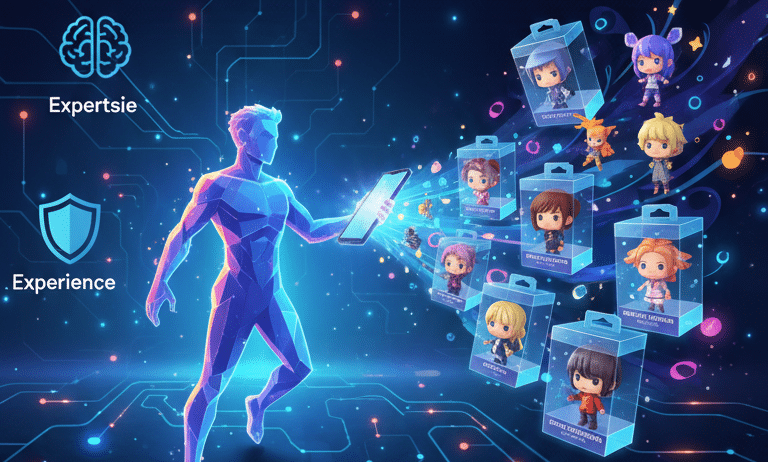

This guide provides a comprehensive walkthrough on transforming photos into figurine-style images using Google Gemini, an AI-powered image generation tool.
The Allure of AI-Generated Figurines
- Personalization and Creative Expression: Gemini allows users to transform personal photos (selfies, friends, family, pets) into unique digital figurines. It supports various artistic styles, including anime, realistic collectibles, chibi, and superhero action figures, catering to diverse aesthetic preferences and enabling the creation of one-of-a-kind art.
- Bridging Digital and Tangible Art: These figurines serve as custom digital avatars and keepsakes, holding emotional value and being shareable across platforms. They can inspire custom toy projects, character concept art, and act as initial prototypes for 3D printing. They also enhance social media engagement with unique content.
- Accessibility and Innovation: Gemini democratizes high-quality image generation, eliminating the need for specialized software or advanced design skills. It offers rapid generation and ease of use, making intricate designs accessible to hobbyists, aspiring artists, and everyday users.
Practical Figurine / 3d Image –
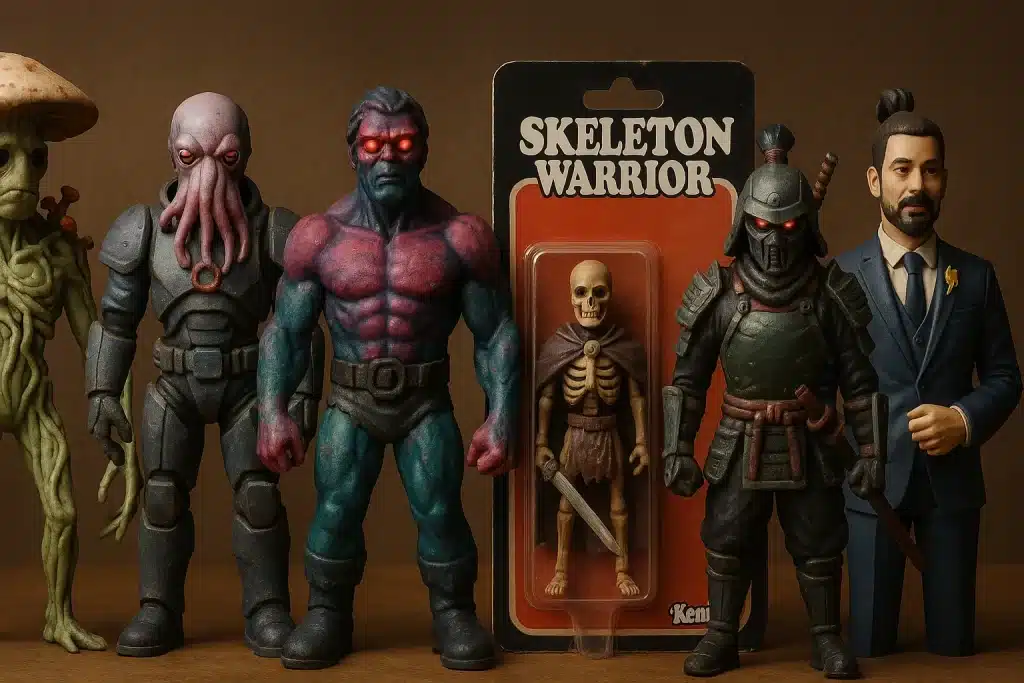
Step-by-Step Blueprint for Creating a Figurine-Style Photo
1. Selecting and Uploading Your Reference Image
- Importance: A clear, high-resolution, well-lit, and in-focus image is crucial for optimal results, allowing Gemini to capture likeness and details effectively.
- Process: Use the “plus button” (+) or “upload files” option within the Gemini interface to select and upload the desired photo.
Tips for Source Images:
- Good, even lighting, avoiding harsh shadows or overexposure.
- Distinct facial features, not obscured by hair or accessories.
- Full-body shots for desired poses.
2. Crafting Your Figurine Prompt
- Starting Prompt: Begin with strong action words like “create,” “generate,” or “transform.”
Key Prompt Elements:
- Figurine Type: Specify (e.g., “3D collectible figurine,” “miniature figure,” “PVC-style figure,” “action figure,” “chibi-style collectible”).
- Material and Finish: Suggest materials like “PVC,” “plastic,” “resin,” and finishes like “glossy” or “matte.”
- Pose and Expression: Be explicit (e.g., “heroic pose,” “standing upright,” “mid-action,” “smiling,” “determined”).
- Outfit and Features: Describe clothing, hairstyle, and distinct features accurately.
- Scale (Optional): Mention scales like “1/7 scale” or “miniature.”
- Base and Packaging Context: Include details for display bases (e.g., “transparent acrylic base,” “diorama base”) or commercial packaging (e.g., “collectible box packaging,” “Bandai-style toy packaging box”).
- Lighting and Background: Describe desired lighting (e.g., “studio lighting,” “golden-hour lighting”) and environment (e.g., “clean white background,” “rocky, alien landscape”).
- Art Style (Optional): Add nuances like “anime-style figure,” “chibi knitted doll,” or “contemporary designer toy design.”
- Crucial for Uploads: Explicitly mention phrases like “using reference face/photo,” “based on the attached character photo,” or “transform the character in the picture” to ensure likeness is incorporated.
3. Generating and Iterating Your Figurine Masterpiece
- Submission: Click “Generate” or “Submit” after crafting the prompt and uploading the image.
- Review: Examine the generated images.
- Refinement: If results are not as expected, refine the prompt by adjusting wording, adding/removing details, or trying different element combinations. This iterative process guides the AI closer to the desired outcome.
Expert Prompt Engineering for Breathtaking Figurine Results
Essential Prompt Components:
- Subject Description: Be precise about appearance, clothing, and specific items from the photo.
- Pose and Action: Clearly define posture and movement (e.g., “standing triumphantly,” “seated casually,” “mid-leap”).
- Accessories: List specific items that add character and context (e.g., “miniature laptop,” “glowing sword,” “vintage camera strap”).
- Presentation Context: Describe the display environment (e.g., “clean, minimalist display stand,” “premium collectible blister pack,” “collector’s shelf”).
Advanced Prompt Examples:
- Hyper-realistic Action Figure in Packaging: A detailed prompt specifying a front-facing toy box mockup, figure placement, accessories, background, lighting, and branding for a premium action figure.
- Chibi/Stylized Figurine: A prompt focusing on a specific aesthetic like “cute, chibi-style collectible figure” with an oversized head, small body, specific clothing, and a simple display base.
- Anime-style Desk Figurine: A prompt requesting an anime-style figure on a desktop, presented as a casual mobile phone snapshot, with accurate reproduction of the uploaded photo’s details, soft gradient colors, fine textures, and subtle bokeh background.
Optimizing for Quality:
- Gemini’s Models: Understand the distinction between Nano Banana (quicker generation) and Nano Banana Pro (higher fidelity, greater control, refined outputs).
- Leveraging Pro Models: Use Pro models for intricate details like lighting, camera angles, and precise aspect ratios, as they offer enhanced processing for complex instructions and artistic nuance.
Unleashing Full Creative Potential
- Power of Iteration: Embrace trial and error. Minor prompt adjustments can yield significantly different and improved outcomes. Analyze generated images to understand AI interpretation and refine communication.
- Beyond Figurines: Gemini is versatile for various AI art styles (portraits, landscapes, abstract art). Experiment with different creative projects.
- Community and Resources: Engage with online communities, forums, and official guides for new prompt ideas, sharing creations, and learning advanced techniques. Acknowledge other AI image generation tools like Midjourney, Stable Diffusion, DALL-E 3, and EaseMate AI for broader perspectives.
Common Pitfalls and How to Avoid Them
Overcoming Vague Prompt Results
- Specificity is Key: Generic prompts lead to generic results. Be hyper-specific about style, material, pose, background, and lighting.
- Adding Detail: Break down desired images into components (subject, pose, style, etc.) and describe each element using adjectives, adverbs, and specific nouns.
- Negative Prompts: Integrate “avoid [undesired element]” into the main prompt to guide the AI on what not to include.
Ensuring Likeness and Detail Preservation
- Troubleshooting Distorted Features: Review the reference photo for clarity, lighting, and facial prominence.
- Clear, Well-Composed Photos: Use high-quality source images to provide the AI with sufficient data.
- Explicitly Mentioning “Using Reference Photo”: Integrate phrases like “based on the attached character photo” or “using the uploaded face” to emphasize likeness preservation.
The Future of Personalized Collectibles with AI
- Evolving Capabilities: AI will refine the transformation of memories and concepts into digital art, offering greater control over details, textures, and complex scenes. Future AI may suggest poses and backgrounds based on personality.
- 3D Printing Integration: Seamless integration with 3D printing services will blur the lines between digital creation and physical ownership, making custom figurines accessible.
- Indispensable Tool: AI is becoming an essential tool for artists and users, pushing creative boundaries and enabling the joy of holding physical manifestations of AI-generated concepts.
Conclusion
Transforming photos into Google Gemini figurine-style photos is an exciting exploration of AI capabilities. The guide covers platform accessibility, image selection, prompt crafting, expert engineering, iteration, and avoiding common pitfalls. This feature offers immense joy and satisfaction, empowering users to create unique, shareable digital art and personalized memorabilia. Users are encouraged to experiment with prompt techniques on Google Gemini and share their creations. Further exploration of AI tools for creative projects is recommended.